Monitor sensors
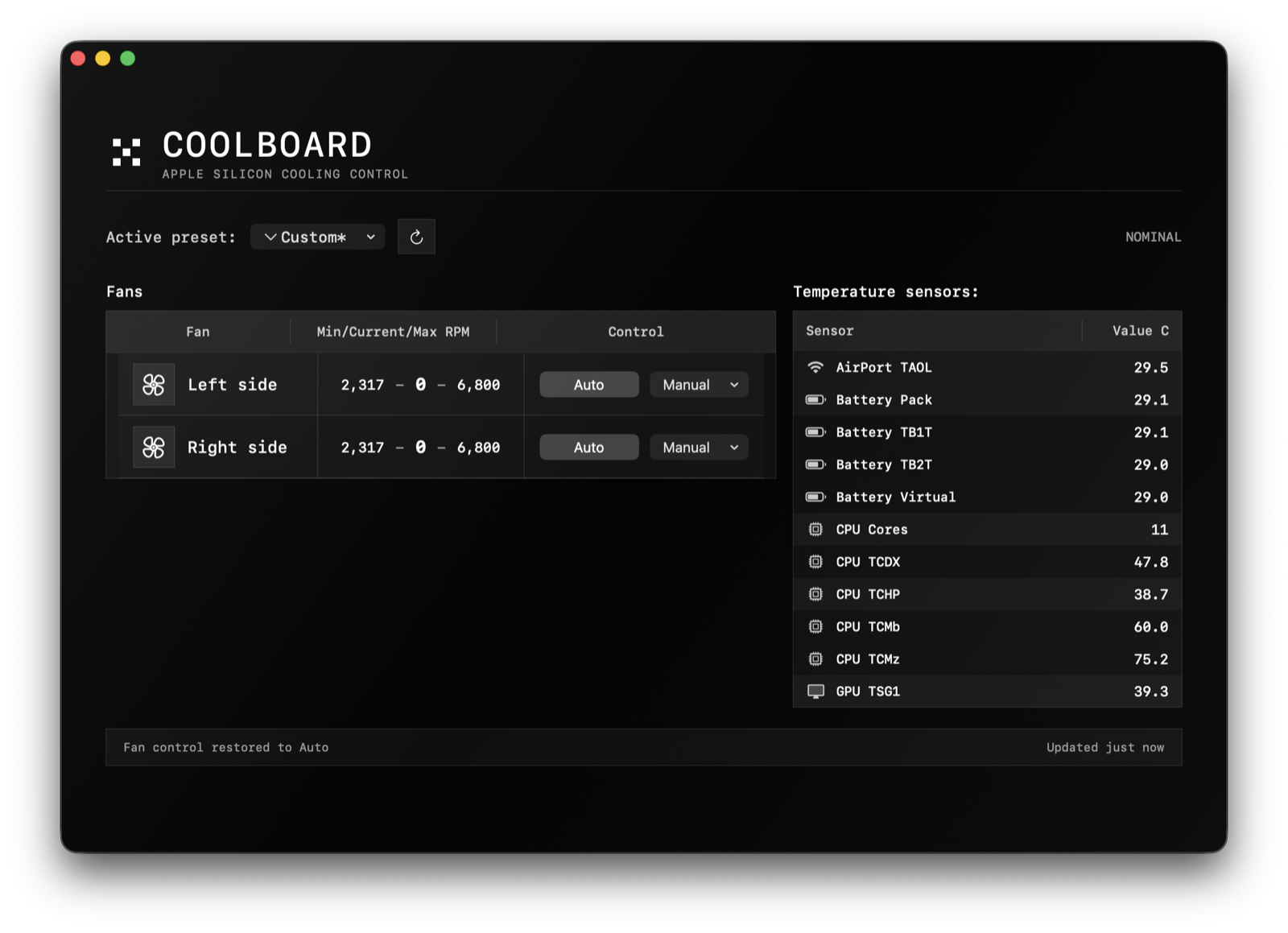
CPU, GPU, battery, AirPort, and power readings in one board.
Monitor thermal sensors and control detected fans from a quiet macOS panel.
Why CoolBoard
01 / 04Use CoolBoard when local AI, long builds, video exports, or desk setups push your Mac beyond what the default menu bar shows.
CPU, GPU, battery, AirPort, and power readings in one board.
Use Auto or direct 0-100% presets for detected fans.
Sleep and wake return cooling to Auto and require a fresh manual click.
macOS 14+, Apple Silicon, administrator approval for the helper.
Auto by default. Sleep, wake, quit, and errors clear manual fan targets.
Fanless MacBook Air models run monitoring only and show zero detected fans.
MIT licensed SwiftUI app with documented AppleSMC limitations.